
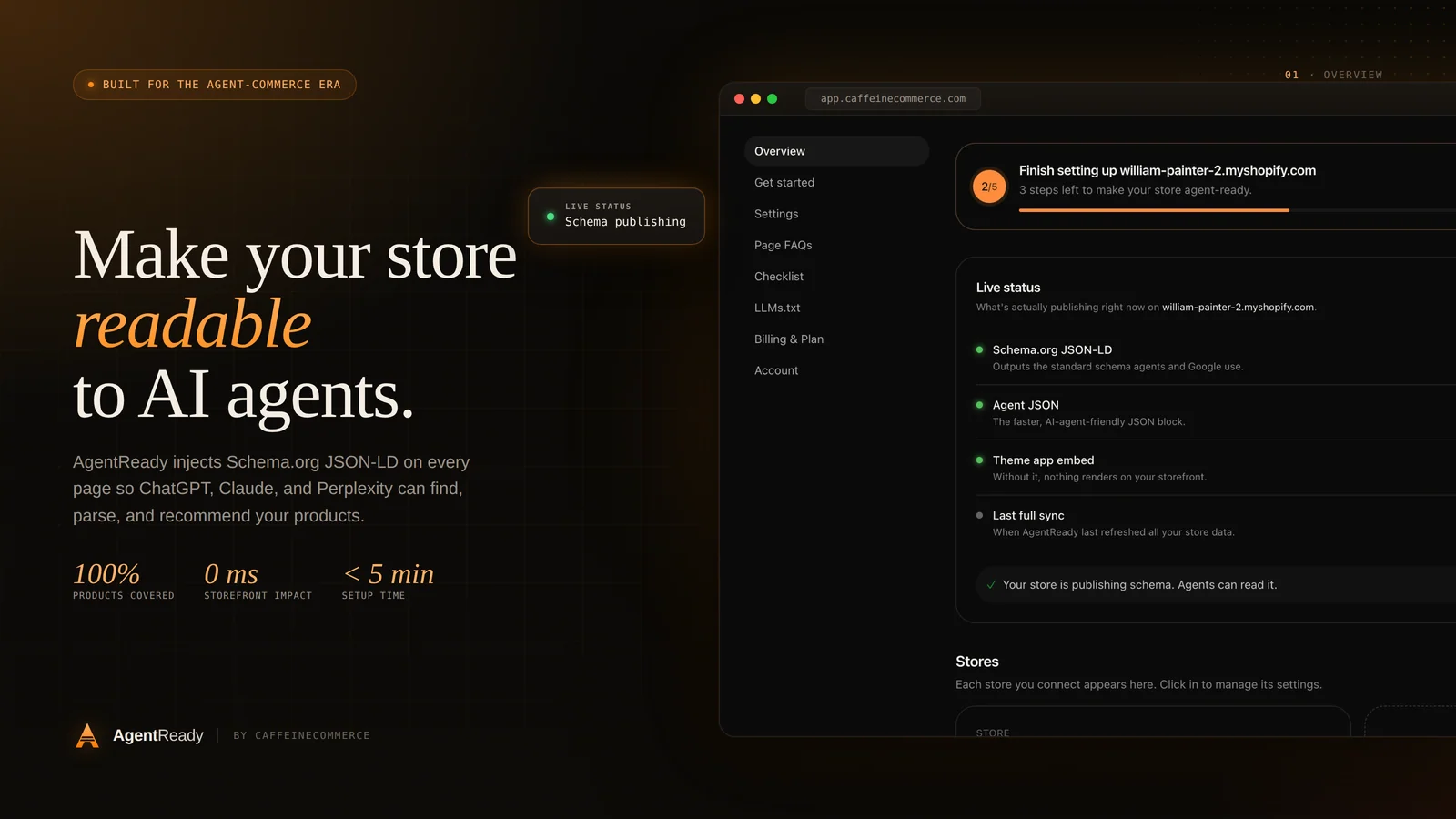
A growing share of the shoppers landing on our clients' stores never typed the product name into Google. They asked an assistant. Something like "best merino base layer for winter running under $120" goes into ChatGPT or Perplexity, and a short list of products comes back. If your store is on that list, you get a warm visitor. If it is not, you never knew the conversation happened.
I want to walk through how these assistants actually find products, because most of the advice floating around treats it like a black box. It is not. The mechanics are knowable, and a Shopify store can be set up to show up well.
The three ways an assistant learns about your products
There is no single index that AI assistants pull from. In practice they draw on three sources, and the best results come from stores that cover all three.
Training data. Large models are trained on a snapshot of the public web. If your store was crawlable when that snapshot was taken, some of your catalog may already sit in the model's parameters. You cannot edit this after the fact, and it goes stale, so it is the least reliable source.
Live retrieval. This is the important one. When you ask a current assistant a shopping question, it usually runs a search behind the scenes, fetches a handful of pages, and reads them in the moment. ChatGPT uses OAI-SearchBot and its browsing tool, Perplexity uses PerplexityBot, and Claude uses ClaudeBot. The assistant then summarizes what it read and cites sources. Your job is to be one of the pages it fetches, and to be easy to parse once it arrives.
Structured feeds and integrations. Shopify and the assistant platforms are building direct pipes, such as product feeds and the emerging agentic checkout protocols. These are early, but they reward stores whose product data is already clean and complete.
What "easy to parse" actually means
When a retrieval bot fetches your product page, it does not see your store the way a shopper does. It sees the raw HTML response. Two stores can look identical in a browser and be worlds apart to a bot.
The first question is whether the content is even in the HTML. Plenty of themes render price, availability, and description through JavaScript after the page loads. A shopper waits a few hundred milliseconds and never notices. A bot that reads the initial response sees an empty shell. Shopify's server-rendered Liquid is an advantage here, so the fix is usually making sure your theme prints the important facts into the markup rather than hydrating them in.
The second question is whether the facts are labeled. Schema.org structured data, written as JSON-LD, is how you hand a machine a clean record instead of asking it to guess. A Product block states the name, description, brand, price, currency, and availability without ambiguity. I have a separate guide on getting product schema right, so I will not repeat it here, but the short version is that a labeled fact beats a paragraph the model has to interpret.
Here is the difference in practice. Without structured data, the assistant reads "On sale now, was 95" and has to infer the current price, the currency, and whether the item is in stock. With structured data it reads:
{
  "@type": "Offer",
  "price": "76.00",
  "priceCurrency": "CAD",
  "availability": "https://schema.org/InStock"
}
One of those is a guess. The other is a fact. Assistants quote facts.
The access layer most stores forget
You can have perfect markup and still be invisible if you block the crawlers at the door. Check your robots.txt. A surprising number of stores, often after a well meaning "block AI scrapers" decision, disallow the exact bots that drive assistant traffic. If you want to appear in ChatGPT and Perplexity results, you need to allow OAI-SearchBot, PerplexityBot, ClaudeBot, and Google's crawlers. There is a real debate about training versus retrieval, and you can allow one while being cautious about the other, but blocking everything means opting out of the channel entirely.
A newer signal worth adding is an llms.txt file, a simple index that points assistants to the parts of your site that matter. It is young as standards go, but it is cheap to publish and it does the polite thing of telling a machine where to look. I cover that in its own post.
A short checklist we run on every store
When we audit a Shopify store for AI discoverability, this is roughly the order we work through.
- Confirm price, availability, and description are present in the server HTML, not injected later by script.
- Add or repair
ProductJSON-LD on every product page, with validOfferand an identifier such as GTIN where one exists. - Add
OrganizationandBreadcrumbListschema so the store and its structure are clear. - Review
robots.txtand allow the retrieval bots you want traffic from. - Publish an
llms.txtindex and keep it current as the catalog changes. - Check page speed, because a bot on a budget will give up on a slow response just as a shopper will.
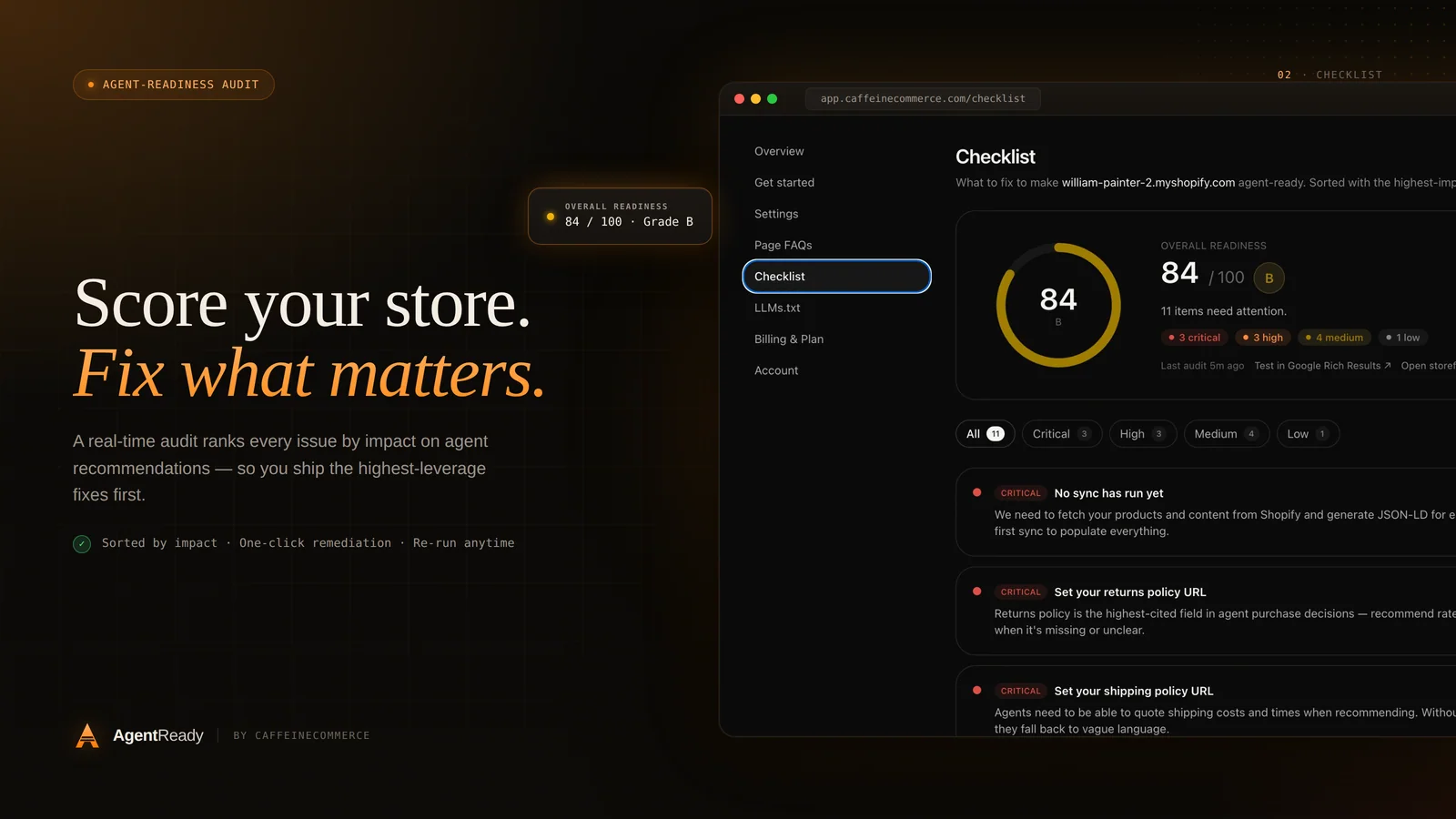
None of this is exotic. It is the same hygiene that has always helped search engines, applied to a new set of readers that happen to summarize instead of rank.
Why this is worth doing now
The honest reason to act early is that the field is not crowded yet. Most catalogs are still built for human eyes and Google's old playbook. A store that is genuinely legible to assistants stands out, because the assistant can describe it accurately and confidently, and confidence is what earns the recommendation.
We build this kind of readiness into the Shopify work we do at Caffeine and Commerce, and it is the whole idea behind our app, AgentReady, which publishes the structured data and llms.txt index automatically and keeps them in sync as your catalog moves. If you would rather handle it yourself, the checklist above is a complete starting point. Either way, the goal is the same: when a shopper asks an assistant for exactly what you sell, your store should be one of the answers.